Orlando, Florida 3D Shadow Box: A Creative Way to Showcase the City Skyline
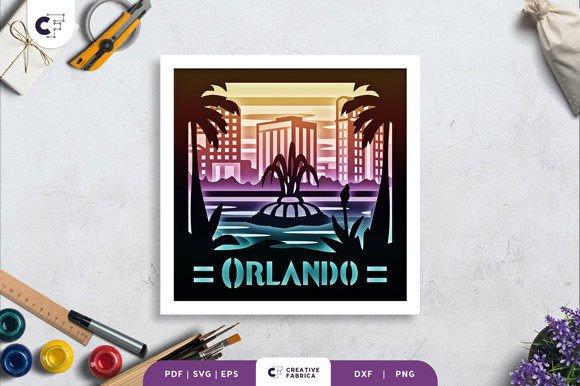
Hello, crafters! If you're looking for a unique and artistic way to display the iconic skyline of Orlando, Florida, the Orlando, Florida 3D Shadow Box is an excellent choice. This layered paper cutting template brings the beauty of the city into your hands, allowing you to create a stunning 3D artwork that captures the essence of Orlando's architectural landscape.
What Is a 3D Shadow Box?
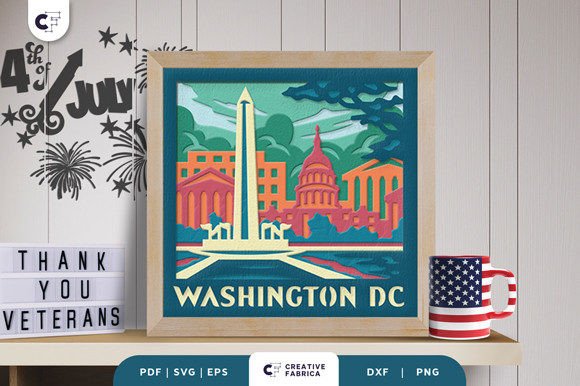
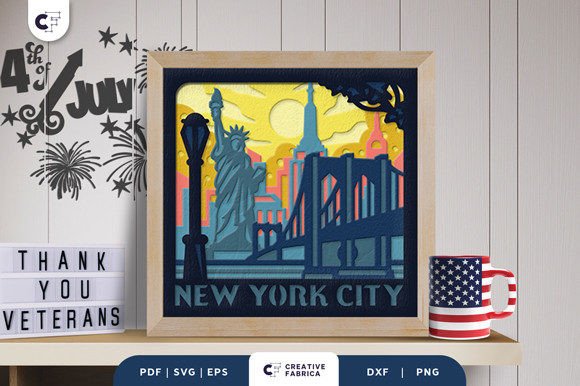
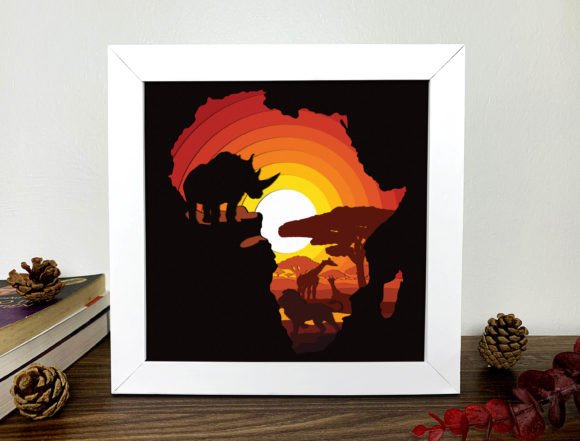
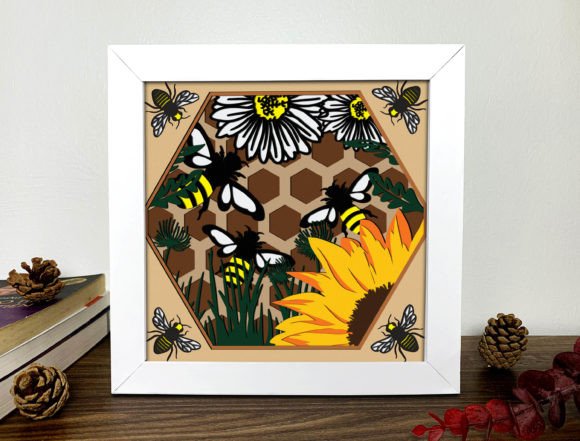
A 3D shadow box is a decorative art form that uses multiple layers of cut-out shapes to create depth and dimension when viewed from the front. These boxes are often framed or mounted on a lightbox, producing a striking visual effect with shadows and light interplay. The Orlando, Florida 3D Shadow Box specifically features a meticulously designed skyline composed of nine distinct layers, offering both detail and complexity in a manageable format.
Why Choose the Orlando, Florida 3D Shadow Box?
- High-quality design: The template is crafted with precision to reflect the true character of Orlando’s skyline, including recognizable buildings and landmarks.
- Versatile formats: You’ll receive the design in SVG, PDF, EPS, PNG, and DXF formats, making it compatible with various tools and machines like Silhouette, Cricut, and more.
- Easy to use: Whether you have a digital cutting machine or prefer hand-cutting with an art knife and scissors, this template is accessible to crafters at all skill levels.
- Customizable size: While the standard size is 20.32×20.32 cm, the SVG file can be resized while maintaining the correct aspect ratio to fit your space or project needs.
- Perfect gift: Assembled properly, the finished piece makes a thoughtful and personalized gift for friends, family, or anyone who loves Orlando or crafting.
How It Works: Layers and Assembly
The Orlando, Florida 3D Shadow Box consists of nine carefully arranged layers. Each layer represents a different level of the skyline, contributing to the overall depth and realism of the final product. Once all the pieces are cut out using your preferred method, they’re stacked and glued together with either regular glue or double-sided tape.
It’s important to follow the order of the layers closely during assembly to ensure the design looks as intended. The topmost layer usually contains the smallest details, such as streetlights or intricate building edges, while the bottom layers support the larger structures like major skyscrapers or park outlines.
Materials and Tools You'll Need
To bring the Orlando, Florida 3D Shadow Box to life, you'll need a few basic materials:
- Cutting tool: Either a digital cutter (like Silhouette or Cricut) or a manual cutting set with an art knife and ruler will work.
- Paper stock: The design is optimized for use with Encore Cardstock 80 lb cover (216 gsm), which provides durability and crisp cuts.
- Adhesive: Strong glue or double-sided tape is necessary to hold the layers together securely.
- Mounting surface: Consider using a frame or a lightbox base depending on how you want to display your finished piece.
- LED strips (optional): Adding LED lighting between the layers enhances the shadow effect and creates a dramatic glow, especially ideal for night displays.
If you're new to working with cardstock or digital cutting files, take some time to familiarize yourself with the tools before starting. Many online tutorials and guides can help you navigate the process smoothly.
Design Formats and Compatibility
One of the key advantages of the Orlando, Florida 3D Shadow Box is its compatibility with modern crafting tools. Here’s what each file format offers:
- SVG: Ideal for digital cutting machines like Silhouette and Cricut. Its vector-based nature allows for easy resizing without losing quality.
- PDF: Great for printing instructions or tracing by hand if you don't own a cutting machine.
- EPS: Preferred by professionals for high-resolution printing and editing in Adobe Illustrator.
- PNG: Useful for viewing the design on screen or as a reference for hand-cutting.
- DXF: Compatible with laser cutters and other advanced manufacturing tools, giving makers even more flexibility.
This versatility ensures that whether you're a seasoned crafter or just beginning, you can find the right format to suit your workflow and equipment. For those without a digital cutter, don’t worry—this template is also well-suited for traditional methods with an art knife and mat board.
Uses and Display Options for Your 3D Shadow Box
Once assembled, your Orlando, Florida 3D Shadow Box becomes a versatile decor item. Here are two popular ways people choose to showcase their creations:
Framed Wall Art
Many crafters opt to frame their completed shadow box for a classic look. Use a deep-profile frame to accommodate the layered structure and allow the shadows to cast clearly. Framing adds a polished finish and makes it easy to hang in any room. It's particularly effective in home offices, living rooms, or as a conversation starter in a guest bedroom.
Lightbox Effect
For a more dynamic and eye-catching presentation, consider turning your shadow box into a lightbox. Simply place LED strips behind the layers and mount everything inside a transparent acrylic or glass box. When lit, the Orlando, Florida 3D Shadow Box transforms into a glowing masterpiece that highlights every architectural detail with soft, ambient illumination.
This option is not only visually appealing but also functional. Lightboxes can be used as night lights, desk lamps, or even custom holiday decorations with seasonal colors added to the LED lighting.
Considerations Before Starting Your Project
Before diving into the creation process, here are a few tips and considerations to keep in mind:
- Time investment: Depending on your experience and the tools you use, the project may take several hours to complete. Factor in cutting, assembling, and possibly framing or setting up the lighting.
- Paper color: While the template works with most cardstock, choosing colors that complement the skyline can enhance the final appearance. Black or dark gray cardstock is commonly used to highlight contrast and shadow effects.
- Lighting setup: If you plan to use LEDs, ensure you have the proper wiring and power supply to make it safe and long-lasting.
- Storage: Keep your unused templates organized. The digital files can be stored on your computer or cloud storage for future use.
Also, remember that the images provided with the template are for preview purposes only. The actual product may vary slightly in color due to lighting sources and the specific paper used. Always test with a small section first if you're adjusting colors or materials.
Where to Find the Best Supplies
To achieve the best results, we recommend using Encore Cardstock 80 lb cover 216 gsm, which is known for its smooth texture and consistent thickness. This type of cardstock ensures clean lines and sturdy layers that won’t bend or tear easily during assembly.
You can find this recommended material in the 12×12 Cardstock Shop, where you'll have access to a variety of colors and textures. Although the link is a paid one, it connects directly to the supplies that work best with the Orlando, Florida 3D Shadow Box template.
Practical Benefits of the Orlando, Florida 3D Shadow Box
Creating a 3D Shadow Box offers more than just a beautiful decoration—it also has several practical benefits:
- Low cost: Compared to buying a similar finished product, the materials and template needed are relatively inexpensive, especially when sourced through bulk cardstock shops.
- Personalization: You can customize the colors, add names or dates, or even incorporate photos to make the piece uniquely yours.
- Learning opportunity: This project helps improve your cutting, layering, and design skills, making it perfect for hobbyists and DIY enthusiasts.
- Space-efficient: Unlike large paintings or sculptures, the compact size of the shadow box allows it to fit neatly in many spaces without overwhelming them.
Additionally, the Orlando, Florida 3D Shadow Box serves as a great educational tool. It can introduce others to the city's architecture, spark interest in urban design, or simply inspire creativity in everyday crafting projects.
Scenarios Where the Orlando, Florida 3D Shadow Box Shines
Here are a few real-life scenarios where the Orlando, Florida 3D Shadow Box could be a perfect fit:
- Home Decor: Add a touch of local charm to your home by displaying the skyline in your living room, hallway, or office.
- Gifts and Keepsakes: Create a special keepsake for someone moving away from Orlando or visiting for the first time. It's a meaningful gift that combines art and sentimentality.
- Business or Event Signage: Businesses in Orlando or related to tourism can use these shadow boxes as promotional items or branded decor.
- Classroom Projects: Teachers can assign this project in art classes to teach students about layering, design, and city landscapes.
- Wedding or Party Favors: Customize the colors and add names to create unique favors for events centered around Orlando, like destination weddings or themed parties.
Tips for Crafting Success
Whether you're using a digital machine or cutting by hand, here are some helpful tips to ensure your Orlando, Florida 3D Shadow Box turns out beautifully:
- Use a self-healing mat and fresh blades for cleaner cuts, especially if you're using an art knife.
- Test the alignment of a couple of layers before gluing them together. Precision is key to achieving the desired shadow effect.
- Work in a well-lit area to see fine details better, especially on smaller layers.
- Allow adhesive to dry fully before handling the entire piece to avoid misalignment.
- Experiment with different lighting angles to see how the shadows shift and change. This can give you ideas for optimal placement once it's displayed.
With patience and attention to detail, your finished Orlando, Florida 3D Shadow Box will stand out as a professional-looking piece of art.
Integrating Into Modern Workflows and Projects
In today’s fast-paced world, integrating creative hobbies like crafting can offer a much-needed break. The Orlando, Florida 3D Shadow Box fits seamlessly into modern workflows for several reasons:
- Minimal setup: With just a few materials and tools, you can start the project quickly and efficiently.
- Reusable design: Once mastered, you can apply the same techniques to other cities or custom designs, expanding your creative repertoire.
- Collaborative potential: Group projects or team-building activities can benefit from this kind of structured yet creative task.
- Digital accessibility: The availability of digital files means you can download and begin the project anytime, anywhere.
This blend of simplicity and sophistication makes the Orlando, Florida 3D Shadow Box suitable for both personal enjoyment and professional applications.
Final Thoughts on the Orlando, Florida 3D Shadow Box
As you explore the possibilities of the Orlando, Florida 3D Shadow Box, consider how it aligns with your interests and lifestyle. Whether you're a local proud of your hometown or a visitor wanting to commemorate your trip, this template offers a tangible and artistic way to celebrate Orlando’s vibrant skyline.
Its combination of detailed design, user-friendly formats, and adaptable display options make it a standout project in the world of papercraft and 3D art. Plus, with the ability to personalize and reuse the design, you’re not just creating a single piece—you’re opening the door to endless creative opportunities.